Graphic Tracer For Windows
Graphic Tracer For Windows
Future updates Included
AI-Powered Tools for Fixing Bad Graphics
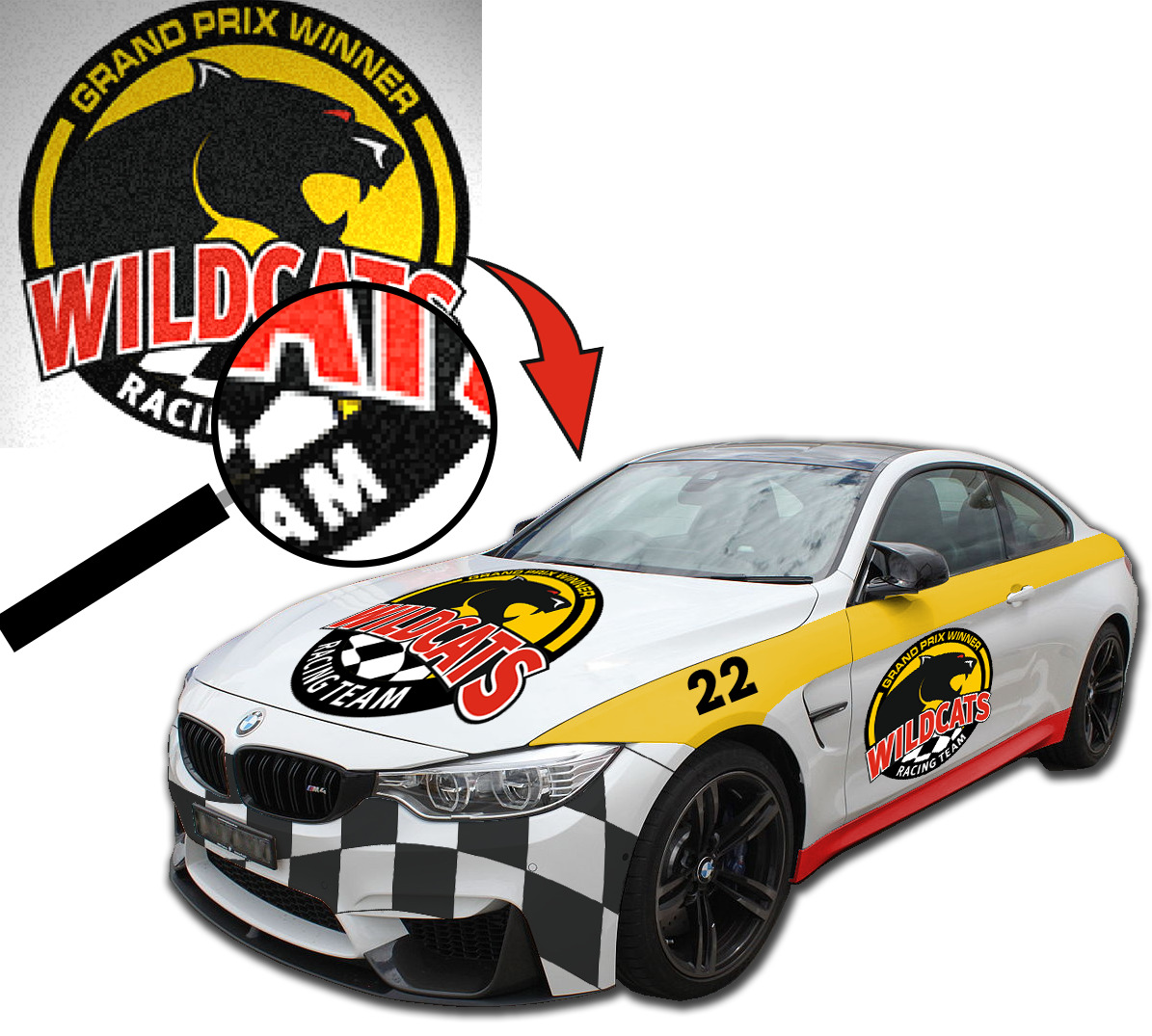
Stop wasting hours cleaning up poor-quality customer artwork.
Graphic Tracer uses advanced AI-powered tracing to transform pixelated logos, screenshots, scans, and phone photos into clean, scalable vector graphics. Even difficult artwork can often be restored and made production-ready in as little as one minute.
Turn Poor Artwork Into Professional Vectors
Graphic Tracer enhances low-resolution images before tracing them, helping recover cleaner edges, sharper details, and more accurate shapes.
Combined with Sensedge™ tracing technology, it produces smooth curves, precise corners, and correctly aligned colors—giving you professional vector graphics that are easy to edit and ready for production.
Restore Text With the Original Font
Tracing text only recreates its outline. Graphic Tracer goes further by identifying the actual font and replacing the pixelated lettering with clean, editable text.
It can recognize fonts even when the text is curved, stretched, compressed, scripted, or distorted—helping restore the artwork as closely as possible to the original design.
Rebuild Shapes and Effects
Graphic Tracer can automatically recognize and reconstruct common shapes, symmetrical objects, outlines, and contour effects.
Review the calculated preview, accept the result, and replace imperfect bitmap elements with clean vector geometry in just a few clicks.
Ready for Any Graphics Workflow
Export your finished artwork in widely supported vector formats for use in your preferred design, print, signmaking, or production software.
With ClikLink™, you can send graphics directly to applications including Adobe Illustrator, CorelDRAW, SignCut DRAW, Affinity Designer, Inkscape, Flexi, SignLab, RDWorks, and Adobe Photoshop—with a single click.